Governance and control · 5 min read
People and AI in the same workflow: clear roles and traceable decisions
By FlowSharp
November 25, 2026
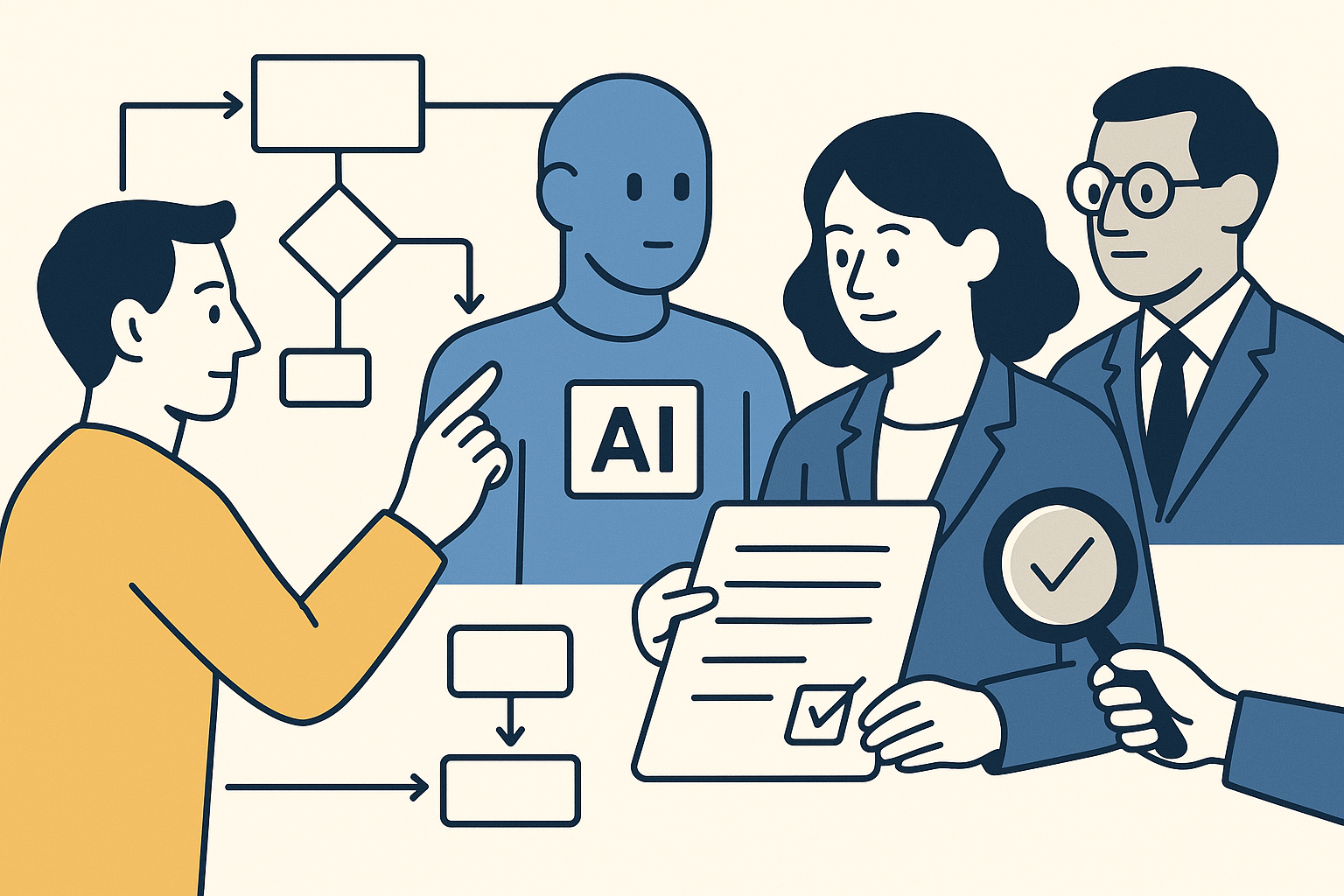
AI does not take people out of the process: it changes where they are needed. A well-designed workflow says who decides, who checks and what stays on record, including when an auditor asks.
Where people are needed once AI enters the workflow
When an AI model enters a workflow, many operators ask the same thing: what do I do now? The practical answer is that people do not leave the process, they enter it at a different point. Repetitive work moves towards automation, while people stay where judgement is needed: uncertain cases, review outcomes and errors.
That is why it pays to design the workflow around roles rather than around the technology. Three questions are enough to start with: who decides, who checks, what stays on record. If you cannot answer them for a given step, that step is not ready to be automated.
It is the same logic as 'measure first, then automate': first you look at where the work is repetitive and where it calls for decisions, then you give each piece to whoever should handle it, person or system.
Roles, scopes and assignments in the workflow
In FlowSharp, roles are defined per organization: Admin, FlowDesigner, Operator and ReadOnly. Each user sees only what their scope allows, including the figures in Analytics. For a department head, this means that deciding who sees what is part of the workflow design, not a detail to sort out afterwards.
Manual tasks have an assignee resolved in cascade: the task is checked first, then the status, the case and finally the workflow. A manual task can sit before the AI step, upstream, or after it, downstream. That lets a person step in before the model works or review what the model produced, depending on where the risk is greater.
Then there is the start of a case. If an external assistant creates a case on a workflow with 'Require confirmation' turned on, the case waits until a person confirms it. The assistant cannot confirm itself: the start goes through a human decision.
Human fallback and the decision ladder
When a case is unclear, a person decides within the same AI or Auto task. No parallel path is opened: the person works on the original task, picks one of the planned outcomes and adds a note. The human decision stays distinct from the automatic one, both in the data and in the history.
In the fallback, the model's suggestion can be hidden by policy or for an individual task. That choice belongs to whoever designs the workflow: sometimes you want the person to weigh the suggestion, other times you want them to form their own judgement without seeing it.
The decision ladder of System One, System Two and Person describes this split: the person steps in on uncertain cases, review outcomes and errors. Automatic values are not saved before the fallback, so what enters the data as a human decision is not mixed up with what the system had produced.
For exceptional situations there is the emergency override, reserved for Admins. It requires a justification and is recorded in the history: an exception that leaves a trace, not a shortcut.
What Article 14 of the AI Act says about human oversight
The principle of human control is also written into European law. According to Regulation (EU) 2024/1689, the AI Act, Article 14 'Human oversight', paragraph 1, high-risk AI systems must be designed so that natural persons can effectively oversee them while they are in use.
Paragraph 4 gets practical. Per the text, the people overseeing the system must be able to decide not to use it, or to disregard, override or reverse its output (point d), and to intervene or interrupt the system with a stop button or similar procedure (point e).
The limit needs to be stated plainly: the article applies to high-risk systems, not to every use of AI in a company, and not every FlowSharp workflow falls into that category. We cite it as a reference for the principle, not as an obligation covering every workflow. Whether one of your use cases is high-risk takes a specific assessment.
The link to the product should be read with caution. Being able to disregard or reverse an output, as with the human fallback on the original task, is an approach close to the article's. But it is a design analogy, not a statement of compliance.
How to explain human control to an auditor
In front of an auditor, human control comes down to three pieces of evidence. First: who could intervene, meaning roles and scopes. Second: who did intervene, where the timeline tells apart person, assistant, key, automatic rule and engine. Third: what was decided, with the human decision kept separate from the automatic one, the operator's note and the justification for any override.
Day-to-day work points the same way. In the Workbench, operators and managers work from the same list of Cases and Tasks. The manager sees workloads and blockages and can tell repetitive work from decision-making work: the information needed to understand where people are really required and where the workflow could ask for fewer interventions.
A simple check to run in your department: take one workflow and, for each step, write down who decides, who checks and where the record is kept. If an answer is vague, that is where the workflow needs another look, before any talk of automation.