Product · 6 min read
Package it, hand it over, reinstall it: introducing FlowSharp Solutions
By FlowSharp
October 8, 2026
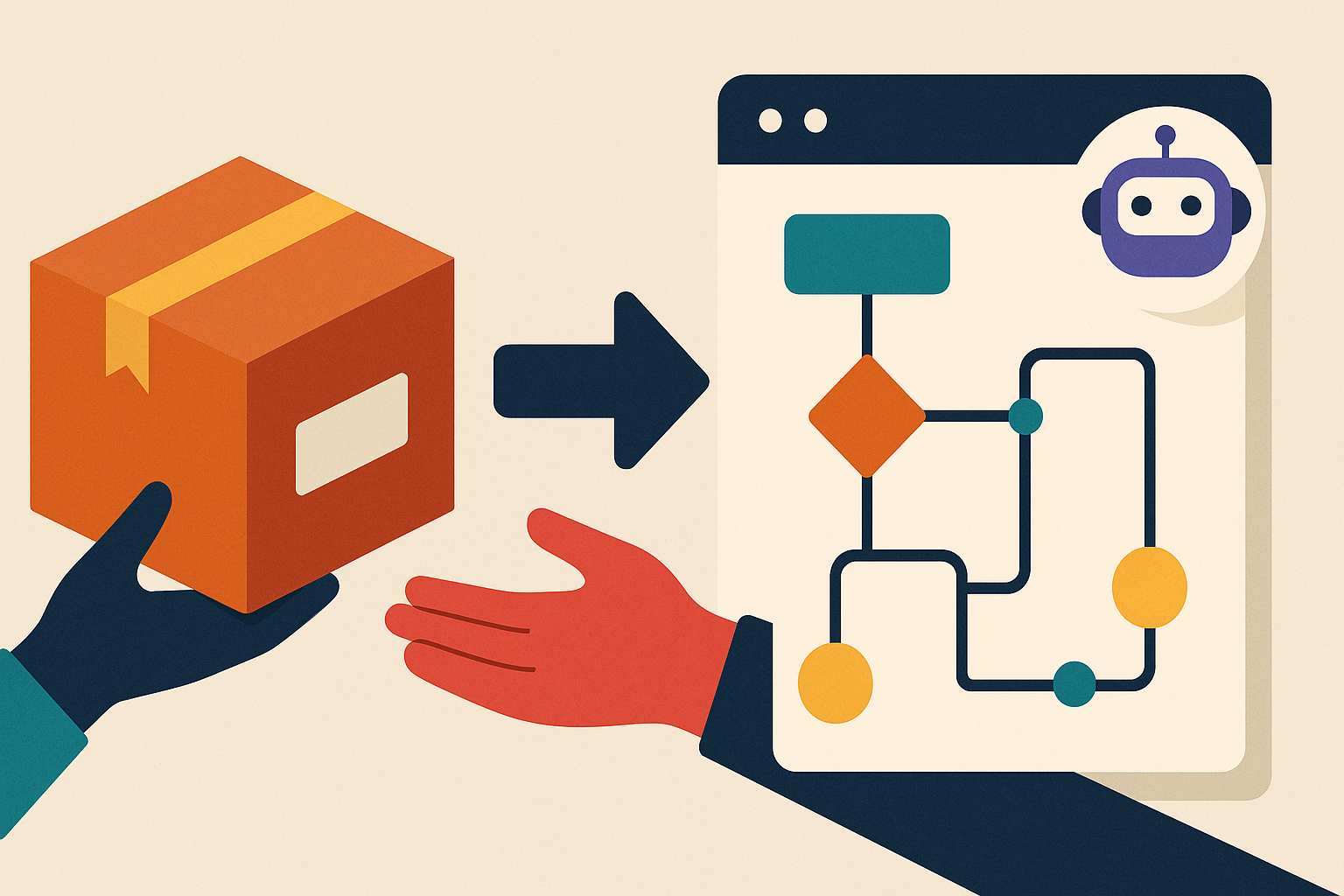
With release 0.90, process maps, flows, connectors and AI assistant rules become a versioned file you can export, import elsewhere while choosing what to link and what to create, and watch run straight away on sample data.
The value is in the way of working, not in the installation
When an automation project works, the value isn't in the tool. It's in the way of working that was designed: the stages, the rules, the integrations, the criteria that decide whether a case can move on or must stop. It's the result of weeks spent with the people who live the process every day.
The trouble is that, until now, this work stayed where it was born. Need it for a new site? A group company? A new client? You rebuild it by hand, and risk missing a step or letting the rules drift apart from one copy to the next.
We took a first step with release 0.88.5: since then, a process map exports with the real flows inside it, rather than an empty diagram to be reconnected manually. Release 0.90 goes further and carries the whole set along. Solutions are here.
What a Solution is and how it is versioned
A Solution is a package that gathers process maps, individual flows, connector configurations and, if you choose to include it, the AI assistant policy (Agent Policy) for an entire workspace. You build it from Settings → Solutions by selecting the components you need. For each map you decide whether to always follow the published version or pin a specific one.
Before exporting, the panel “What you'll need at the destination” lists global variables, placeholders and warnings up front. Whoever prepares the package already knows what the recipient will have to complete, and can say so before handover instead of finding out afterwards.
Every export then gets its own three-number version, such as 1.2.0, suggested automatically as in software. If you add or remove components, the first number goes up; if you update versions of components already included, the second goes up; if the package is unchanged, the third goes up.
The export history keeps version, date, author, note and manifest. And “Download” returns exactly the file as it was back then, even if the components have changed since. What you handed to a client in March, you can get back identical in September.
Controlled import, secure by design
There is no “install everything” button at import. For flows, maps and connectors you choose separately, component by component, whether to link the ones already present, create new ones or skip them. New components are created as drafts, so nothing goes live unless someone decides it should. Folder permissions are checked before anything is written, in line with the governance model we covered in the second article of the series.
At the end you get a report stating what was created, linked or skipped, along with a checklist of what is left to complete: placeholders, connectors to reconnect and activate, variables to define. It's the kind of document an integrator can attach to the handover record.
On security, the rules are clear-cut. Credentials never travel: connectors arrive switched off and without credentials, and the recipient fills in the placeholders with their own. Real cases never enter the package. The AI assistant policy travels only if you include it and, at import, you see it in full before deciding whether to apply it.
One point of honesty: importing the same package again creates another Solution; it does not automatically update the one already installed. Today, versioning is there to track and deliver precisely, not to push changes through on its own.
See it running right away, without real data
A process that arrives empty is hard to judge. That's why, when composing the Solution, you choose what demo data to include: none, only the generation rules, or the rules plus a few demonstration cases.
At import you can generate sample cases in the new flows, so whoever receives the Solution sees it move straight away: stages fill up, rules fire, decisions can be followed. All without touching a single piece of real data.
It's the ideal setup for a sales demo, for training a team that needs to learn the new flow, or for testing before going live. It fits our underlying idea: measure first, then automate. First you see how the process behaves, then you connect it to your own systems.
For integrators, partners and the business
For an integrator or partner, the shift is concrete: build a vertical once (supplier onboarding, complaint handling, request triage with Jev) and install it at multiple clients, in a repeatable, versioned way. Each client starts from an identical base and customizes only what is truly theirs: connectors, variables, credentials.
Technically, the package is a JSON file in the flowsharp.solution/v1 format. AI assistants connected via MCP can already list the available Solutions and preview them; installing one requires a versioned export. Coming soon, with no dates to promise, is automatic saving of Solutions, maps and flows to an organization's GitHub repository. The GitHub integration is not available yet.
For the business, the benefits are just as practical. Identical processes across sites and group companies, updated through tracked versions rather than diverging copies. The chance to start from a partner's Solution instead of a blank sheet. And, over time, an internal catalog of your best processes, ready to reuse whenever the need arises.
One last operational detail: Solutions are a premium feature, reserved for administrators and enabled per organization.
Closing the series: from process to product
This article closes a three-part journey. In the first we told the story of Jev and AI-assisted decisions. In the second, governance: permissions, activity log, legal hold. Now the third piece: a well-designed, governed process with AI built in shouldn't stay locked inside a single installation. It becomes a package you hand over and reinstall, with a clear report of what was done and what is left to configure.
Solutions are the building block for a catalog of ready-made processes. If you are an integrator or partner and want to bring your verticals to clients in a repeatable way, get in touch or apply to the partner program at flowsharp.io/partner.