Integrations · 5 min read
Webhooks that trust no one (and lose nothing)
By FlowSharp
October 13, 2026
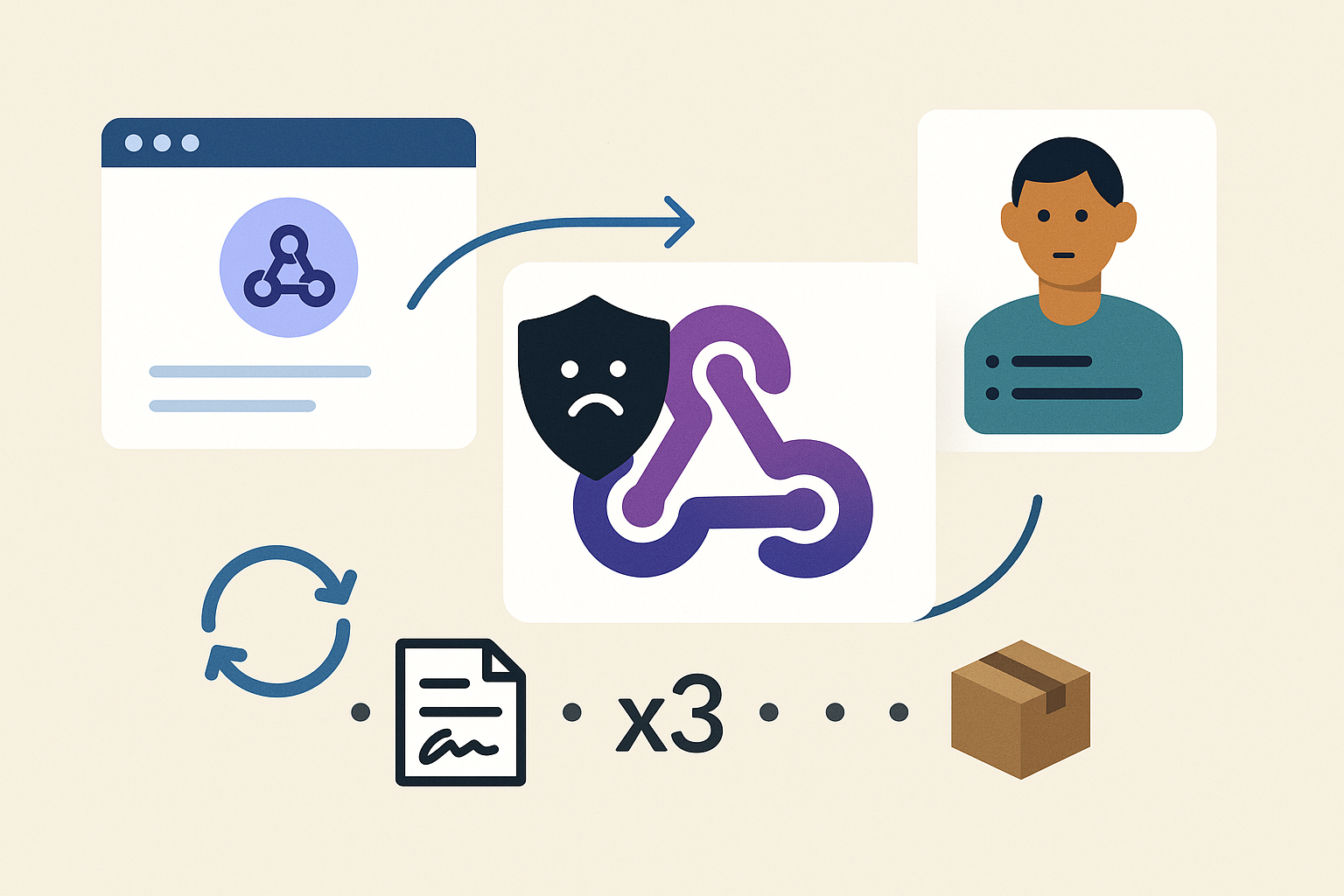
FlowSharp events now talk to external systems in both directions. Reliability lives in the details: signatures, limits, delivery history, retries that don't duplicate, and a human fallback.
Why a fragile integration costs more than the automation it promises
A fragile integration often doesn't fail loudly. A request gets lost, a response arrives half-finished, a case sits idle, and nobody notices until a customer asks what happened. The cost of that silence quickly outweighs the time the automation was supposed to save.
That is why FlowSharp events, which now talk to external systems in both directions, are built around the details: signatures, limits, delivery history, retries that don't duplicate, and a safety exit handled by a person. It follows the same principle as our method, measure first, then automate: a connection you can't observe is one you can't improve.
This article is not about how roles are split between n8n and FlowSharp; that is covered in “n8n as the integration engine, FlowSharp as governance”. The subject here is different: how robust the connection itself is.
Inbound webhooks: one address per system, signed and logged
Every Custom or External event can have one or more inbound webhooks, one per external system. Whoever calls the address with the secret triggers the event, which then behaves like any other FlowSharp event: it notifies subscribers and can start cases. No API keys are needed.
Calls are signed by default. The address and the secret are shown only once, together with a ready-to-copy example, so it's worth storing them in the calling system's secret manager right then. One webhook per system makes it possible to tell who is calling and to work on one connection without touching the others.
Every reception stays in the history, without the body of the call. The history clears itself after 10 days, a period you can change per organization. If a burst of calls exceeds the limit, the history doesn't fill up with rows: one row per minute per webhook is left, enough to see what happened without turning the problem into noise.
The per-organization bandwidth cap on inbound webhooks now counts the bytes actually received, not the size the sender declares. Early rejections close the connection immediately. A sender that declares little and sends a lot doesn't get around the limit.
For administrators, it all lives in one place: in Settings > Webhooks the Admin finds every webhook along with its latest receptions.
Outbound webhooks: guided form, instant test, tracked deliveries
On the other side, Webhook and n8n subscribers are no longer configured by writing JSON but through a guided form: address, method, headers. Fewer free-form fields means fewer typos discovered only at the first real delivery. Outbound calls are signed by default, so the receiving system can verify where they come from.
The “Send a test” button fires a test call and shows the result right away. You find out before going live whether the address responds and whether the headers are the expected ones.
Every delivery stays in the history, and the “Outbound” tab in Settings > Webhooks lists all subscribers of this kind. The same rule applies to outbound webhooks created through the API: new ones are signed by default, and signing can only be turned off explicitly at creation. Existing webhooks keep their own setting, so if you created some before this change, it's worth checking them.
The event's status also says more. An event stays in progress as long as there are deliveries to complete or retry, and it distinguishes successful deliveries, definitive failures and skipped sends. A delivery that runs out of attempts without a result is closed as failed, with a readable reason. It doesn't linger in limbo waiting for someone to notice.
Retries that don't duplicate: transitions and map imports
The classic problem with any integration is the response that never arrives. The caller doesn't know whether the request was carried out, and repeating it risks doing it twice. FlowSharp handles this in two places.
On phase transitions, an integration that doesn't get a clear response can repeat the request while declaring which phase it thought it was starting from. If the case has already moved elsewhere in the meantime, the retry stops with no effect: it doesn't move the case a second time. And if a manual transition arrives while a phase is still being entered, it receives a retryable error, which usually clears within a few seconds. It's a signal to try again, not a failure.
A similar principle applies to map imports via API. With a request key, repeating a request that has already completed is recognizable and doesn't create a second map. For anyone automating process rollouts across environments, that means an interrupted script can be rerun without leaving duplicate copies to clean up.
In both cases the caller can retry with more confidence, because the system can tell a new request from one it has already handled.
The human fallback: when automation needs to hand over
No signature or retry solves the case where the external system does respond, but with something the process doesn't know how to handle. That's why an Integration task can ask for a person to step in in three situations: after a permanent error, after the planned attempts, or when the response isn't among the expected automatic outcomes.
The work shows up in the same queue as everything else, with the Fallback badge. There's no separate console to watch: people who work cases see it where they already look. The person decides on the original task, so the decision stays tied to the point in the process where it arose. The data from the discarded response is not applied, so an unexpected response doesn't enter the case until someone has assessed it.
For IT and operations managers the outcome is practical: fewer cases stalled in silence. The anomalies the system anticipates end up either in a closed state with a readable reason, or in front of a person who can decide.
For integrators, the starting point is simple: turn on signing, test the connection with “Send a test”, and check in Settings > Webhooks what came in and what went out.