
From "we can automate it" to a verified saving.
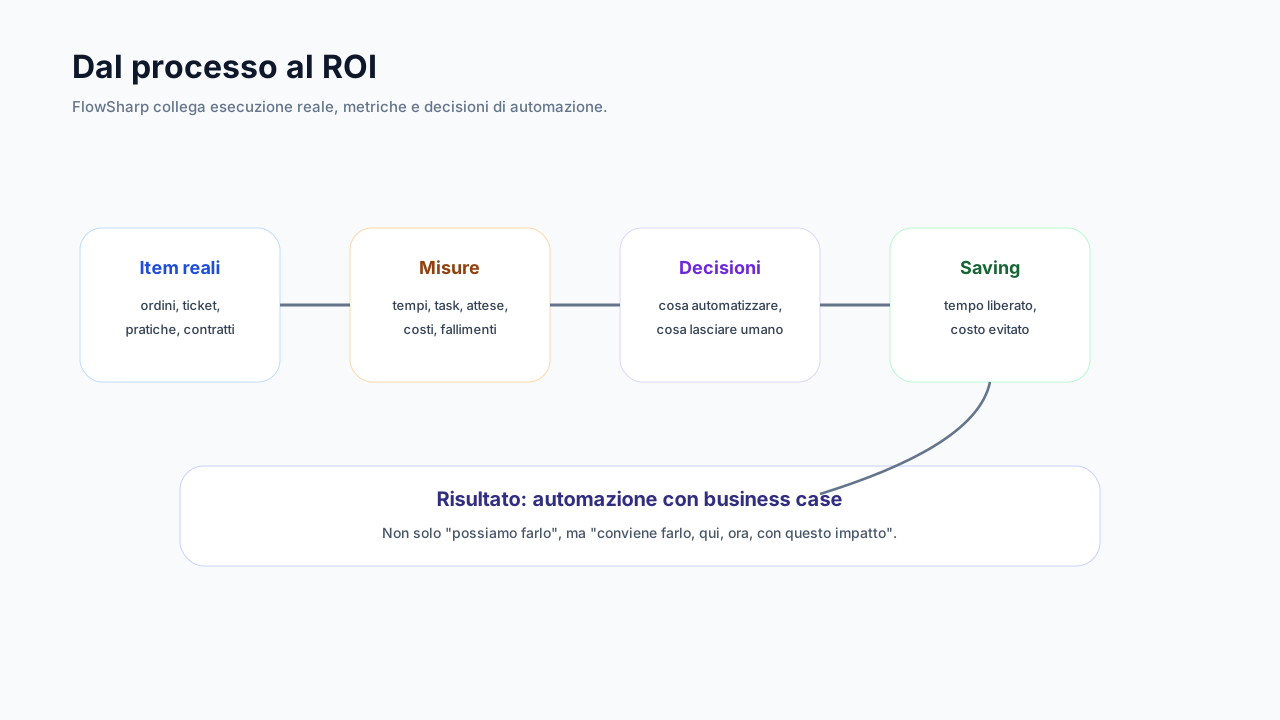
You simulate the return, choose the initiatives, put them into operation and verify the result with the same numbers as the process.
- For
- Management
- Process owner
- Partner
The problem
Automation roadmaps start from lists of ideas without numbers. Money goes where it is easiest, not where it pays most. At the end of the project nobody can say how much was really saved, because the starting situation was never measured. So initiatives pile up, budget is consumed and at the moment of truth all that remains is a feeling of improvement nobody can turn into a figure defensible before those who approved the investment. For consultants and partners the problem is double: they must prove value to the client with numbers the client recognizes as its own. FlowSharp connects measurement, simulation, planning and verification in the same tool, with the same data.
Proposed
- Initiative A · Expected saving € / month
Planned
- Initiative B
In progress
- Initiative C
Live
- Initiative D
Verified
- Initiative E · Verified
How it works
1Measure
Analytics and Process Map lenses show times, costs (human labor, automations, AI tokens) and bottlenecks per flow and per stage.
2Simulate
The ROI simulator combines human cost, frequency, time that can be saved and the cost of automation and AI into saving and payback. What-if does it directly on the map.
3Plan
Every opportunity (from diagnostics, What-if, AI analysis or the simulator) becomes an initiative with an owner, a date, a starting cost, an investment and an expected saving. The cycle is governed: proposal, planning, work, going live, verification.
4Verify
Once live, the initiative compares the frozen cost with the measured cost. If no measurable source exists, the result is declared by hand and marked as such.
Specifications
| Initiative sources | map diagnostics, What-if, AI analysis, ROI simulator, manual |
|---|---|
| Cycle | proposal → planning → work → live → verification |
| Summary | investment, expected and realized saving across all maps, without duplicates |
| Automation goals | structural measure (design) and observed (real work) |
| KPIs | nightly history, 30 to 365-day trend, forecast with confidence band |
| Data honesty | "insufficient history" declared instead of invented estimates |
An operational example (illustrative values)
The Implementation Plan organizes initiatives in five columns that follow the governed cycle: proposal, planned, in progress, live and verified. In the example initiative A is in the proposal column with the expected saving in euros per month, B is planned, C is in progress, D is live and E is verified. Each initiative has an owner, a date, a starting cost, an investment and an expected saving, and can originate from map diagnostics, What-if, AI analysis, the ROI simulator or be entered by hand. When it goes live, the measured cost is compared with the frozen one. Names and values are illustrative placeholders, and the diagram, with its bars, is not an official screenshot. The difference between measured and estimated is always declared.
How to verify an initiative through to the saving
For an initiative in operation the decisive step is verification. Check that the starting cost was frozen before the work, because a comparison with a baseline reconstructed afterwards proves nothing. Then read the saving distinguishing measured from estimated: the measured comes from a source observable in the flows, the estimated does not, and if no measurable source exists the result declared by hand is marked as such. In the organization summary the investment and saving totals are calculated without duplicates across maps, and discarded candidates do not reappear as new. For KPIs, the nightly history and the 30 to 365-day trend tell whether the improvement holds, and when data is not enough the system declares insufficient history instead of estimating. A partner can thus show the client numbers the client recognizes.
Related features
- What-if simulationPick the nodes to automate and get monthly saving, investment, residual cost and payback time.
- ROI simulatorHuman cost, frequency, saveable time, automation and AI cost: saving and payback.
- Automation goalsFor example "from 25% to 45% by a date", measured two ways: structural and observed.
- KPIs with history and forecastCards, gauges, targets or sparklines, with a forecast that says "insufficient history" rather than inventing.
- Frozen cost baselineObservation period, data quality check and immutable freeze with a SHA-256 fingerprint.
- Saving ChallengeLinks the baseline to duration, success fee, recurring costs and minimum fee: a BizCom service.
Use cases
Frequently asked questions
Where does the simulator take costs from?
From times measured in the flows, configured hourly costs, automation costs and AI tokens.
Can I add initiatives that do not originate in FlowSharp?
Yes, also manually, with the origin declared.
How is an initiative verified?
By comparing the measured cost with the cost frozen at the start.
Is it suitable for consultants?
Yes: it is the heart of the Measure → Automate → Grow path through which consultants and partners demonstrate value to clients.